Cash in simply means adding money to your GCash wallet. That is the exact term GCash uses in its Help Center.
You might need to do it before you pay a bill, send money to family, or pay online. Many sellers and buyers also move cash into GCash after a cash payment in person, for example after reading our guide to LBC cash on delivery and what buyers should know or our guide to LBC cash on pick up.
One honest note: LBC Tracks is an independent guide site, not part of LBC Express or GCash. This guide follows only the steps and fees GCash publishes in its Help Center. Fees can change, so check the fee in the app before you confirm.
GCash gives you four main ways to cash in: over the counter at a partner outlet, from your bank account, at a GCash Pera Outlet, and from money sent from abroad. The best way depends on what you have: cash, a bank account, or money from overseas.
Before you start, know two things. Cash in is the opposite of cash out: cash in puts money in, cash out takes it out as paper cash. And most methods use your GCash mobile number as the account number, so check it twice. One wrong digit can send money to the wrong wallet. For bank and global methods, you will confirm with a one time password, called an OTP, sent by SMS or email.
How to Cash In GCash Over the Counter
Over the counter is the most common way for people who hold paper cash. GCash lists many partners, including 7-Eleven and Alfamart, pawnshops like Cebuana, M. Lhuillier, and Palawan, Puregold and the SM supermarkets, Bayad Center, and even LBC Express branches.
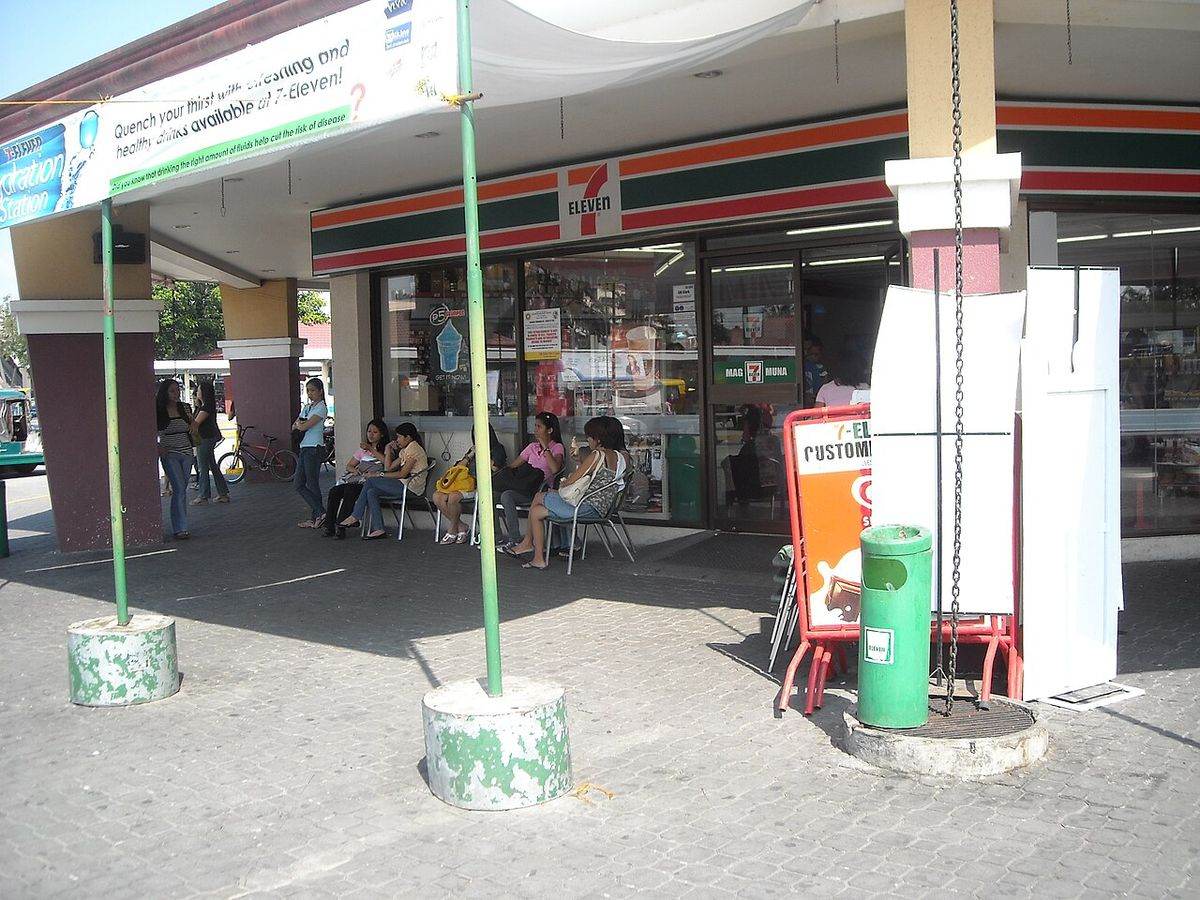
GCash gives these steps:
- On the GCash app, tap Cash In.
- Tap Over-the-Counter.
- Pick your cash in type.
- Choose a partner to see the steps for that partner.
- Follow the partner steps, pay the cashier, and save your receipt as proof.
Partners differ a little, so read the steps for your exact store first, and check your number at the counter before you pay.
One fee warning: over the counter cash in is free for up to PHP 8,000 per month, and a 2 percent fee applies over that limit. The free limit resets on the 1st day of each month. Some partners charge their own fee too. GCash lists 7-Eleven at 1 percent, so ask before you pay.
How to Cash In GCash From Your Bank
If you have a bank account, you may not need a store at all. GCash supports cash in from linked local banks inside the app, and transfers from your bank app through InstaPay or PESONet.
For linked bank cash in, the official fees page lists BPI at PHP 15 and UnionBank at PHP 5 for amounts over PHP 1,000. Check the fee in the app first.
For InstaPay or PESONet, you start in your own bank app. GCash gives these steps:
- Log in to your bank app or site.
- Go to Money Transfer.
- Tap Transfer to Other Banks via InstaPay or PESONet.
- Choose GCash as the bank.
- Enter your GCash mobile number and the amount.
- Review the details and tap Confirm.
- Enter the OTP from SMS or email.
- Tap Confirm, then tap OK.
You will get an SMS to confirm your cash in. The choice matters: InstaPay is for up to PHP 50,000 per transaction and arrives right away. PESONet can handle more than PHP 50,000, but usually arrives on the next banking day. For both, GCash says the fee varies per bank, so check your bank app.
How to Cash In at a GCash Pera Outlet
A GCash Pera Outlet, or GPO, is an authorized small outlet that can load your wallet. Many are sari-sari stores, so there may be one on your street.
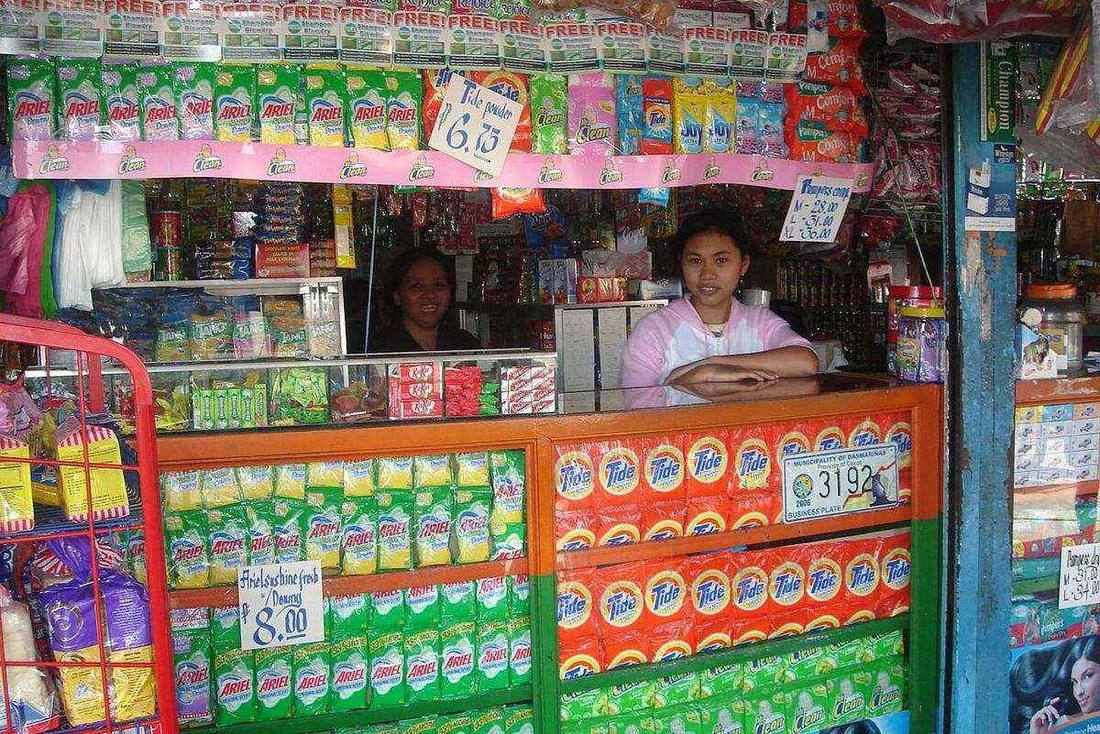
GCash gives two ways. The first uses your mobile number:
- Go to an authorized GPO.
- Tell the GPO the amount you want to cash in.
- Check the total and the fee.
- Give your mobile number.
- Pay in cash, which is the cash in amount plus the fee.
- The GPO will load your wallet.
- Check your balance or your history to confirm.
The second way uses a code. In the app, tap Cash In, then Over-the-Counter, then Cash In via Code or Barcode. Enter the amount and tap Next. The minimum is PHP 100 and the barcode expires after 3 hours, so do not make it too early. Show it, check the fee, pay, then check your balance.
For fees, GCash suggests 1 percent of the total amount, but each outlet sets its own final fee. Its example: cash in PHP 1,000 and you pay PHP 1,010. Always ask for the fee first.
How to Cash In GCash From Money Sent From Abroad
GCash also lets money from abroad land straight in a wallet, which helps families of overseas Filipino workers and freelancers.
For remittance, the sender can go to a partner branch abroad or use the partner website or app. Services vary by country. In your app, tap Cash In, then Global Banks and Partners, then pick the partner under Remittance Partners. One rule matters: the receiver name and number must match the GCash account exactly. GCash says sending and claiming remittance is free.
You can also cash in from a US, EU, or UK bank in the same area. First time cash ins from US banks have a limit of 500 US dollars, with a weekly cap of 600 US dollars, and each EU or UK cash in has a minimum of PHP 500. The exchange rate is locked for 15 minutes once you enter your OTP, and a confirmed transaction cannot be cancelled or changed. If it succeeds, the money lands right away, in pesos.
Freelancers have two more options there. From Payoneer, tap Cash In, then Global Banks and Partners, then Payoneer, pick your currency, type the amount, tap Confirm, and enter the OTP. This may take about 5 minutes, with an SMS when done. You can also cash in from PayPal there.
GCash Cash In Fees to Check Before You Confirm
Fees depend on the method. Here is what GCash publishes on its fees page:
- Linked BPI account: PHP 15 per cash in.
- Linked UnionBank account: PHP 5 for amounts over PHP 1,000.
- Online banking through InstaPay or PESONet: handling fees may apply and the fee varies per bank.
- PayPal: 1 percent of the cash in amount, for all amounts, starting March 7, 2026.
- Payoneer: free.
- Over the counter: free for up to PHP 8,000 per month, then 2 percent on the amount over the limit. The free limit resets on the 1st day of each month.
- Remittance: sending and claiming is free.
- GCash Pera Outlet: a suggested fee of 1 percent, but each outlet sets its own final fee. The minimum cash in is PHP 100.
GCash gives a clear example. Cash in PHP 7,000 on May 1 and it is free. Cash in PHP 1,100 on May 5 and only PHP 100 is over the limit, so the fee is PHP 2.
The safe habit is simple: read the fee on the confirmation screen, or ask the outlet, before you pay. If a fee is not printed here, GCash publishes no fixed figure for it, so trust the amount shown in the app.
Wallet Limits That Can Stop a Cash In
Sometimes a cash in fails because the wallet is full or the monthly limit is used up. GCash updated its limits on October 1, 2026.
On the official limits page, a Basic account can hold up to PHP 10,000 at any time and can receive up to PHP 5,000 per month. A Fully Verified account can hold up to PHP 1,000,000 and can receive up to PHP 1,000,000 per month.
If you hit a limit, some services stop until it resets on the 1st day of the next month, or until you upgrade your profile. If a big cash in is coming, get Fully Verified early.
FAQs About GCash Cash In
How to cash in GCash for free?
Over the counter cash in is free for up to PHP 8,000 per month. Payoneer cash in is free, and so is sending and claiming remittance. Some bank methods may also be free, but bank fees vary, so check your bank app first.
How to cash in GCash at 7-Eleven?
7-Eleven is on the official partner list. In the app, tap Cash In, tap Over-the-Counter, pick your cash in type, choose the partner to see its steps, pay at the store, and save your receipt. GCash lists a 1 percent fee for 7-Eleven.
Why did my GCash cash in not arrive?
Check your balance and history in the app, and look for the SMS confirmation. InstaPay arrives right away, PESONet usually arrives on the next banking day, and Payoneer may take about 5 minutes, so a short wait can be normal. Keep your store receipt as proof.
What is the minimum cash in at a GCash Pera Outlet?
The minimum is PHP 100, for both the outlet and the code or barcode method. The outlet fee is on top of your amount, so bring a little extra cash for the fee.
Can I cash in GCash from abroad myself?
Yes, if you have a bank account in the US, the EU, or the UK. In the app, tap Cash In, then Global Banks and Partners, then EU, UK, or USA. A confirmed transaction cannot be cancelled or changed, so review the amount and exchange rate with care.
Does my free over the counter limit reset every month?
Yes. GCash says the free PHP 8,000 monthly limit resets on the 1st day of each month. Amounts over it in the same month have a 2 percent fee on the part over the limit.
Your Next Step
Pick the method that matches what you have today. Cash in hand? Go over the counter or to a Pera Outlet, and stay within your free PHP 8,000 monthly limit when you can. A bank account? Use InstaPay for amounts that must arrive right away. Money from abroad? Make sure your name and number match your account exactly.
Now open the app, tap Cash In, and do a first small cash in to test the method. Check the fee, confirm, then check your balance. Once the money lands, you will know how to cash in GCash next time.