PHLPost, the Philippine Postal Corporation, still moves a huge amount of the country's mail: registered letters, EMS items, parcels, and packages arriving from abroad. PhilPost tracking is how you follow those items. With the reference number from your transaction, the official PHLPost Package Tracker shows where your mail was last recorded, from acceptance at the counter to delivery.
This guide explains which PHLPost services can be tracked and which cannot, where the tracking or reference number is found, what the number looks like, and what to do when the tracker shows nothing. It also covers parcels sent to the Philippines from other countries, which is where many tracking questions begin.
What You Can Track, and What You Cannot
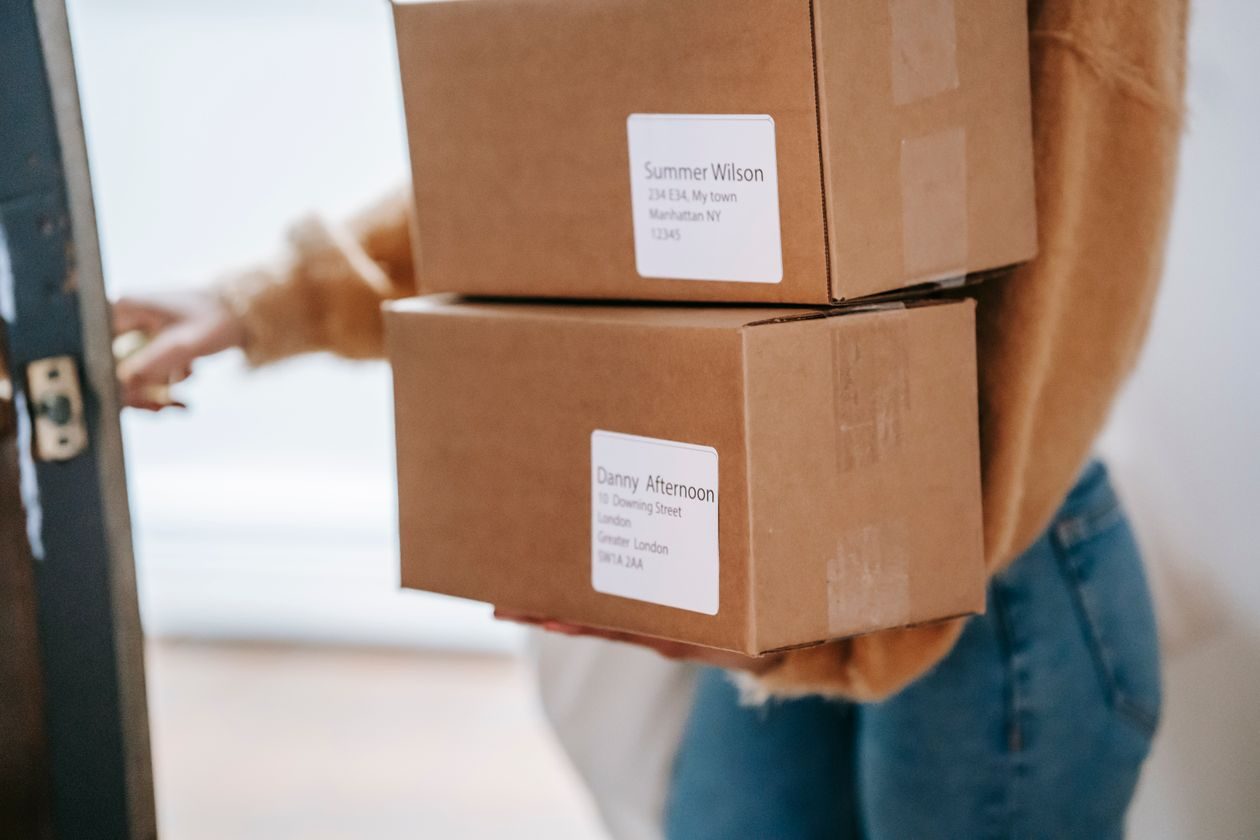
Not every item handled by PHLPost can be followed online. Tracking works for services where the item is recorded as it moves:
- Registered mail. PHLPost says registered mail is given mail security, with the entire process recorded from acceptance to delivery to the addressee. That record is what you see in the tracker.
- EMS items. The International Express Mail Service (IEMS) is PHLPost's fastest service for time-sensitive items to addresses abroad, and the Domestic Express Mail Service (DEMS) is its fastest service inside the Philippines. Both are recorded services, so both can be tracked.
- Parcels and e-packets. The official Package Tracker page says it covers international and domestic mails, parcels, and e-packets.
Ordinary mail is the exception. PHLPost classifies ordinary mail as unrecorded items sent through the regular delivery channels. A plain letter sent with basic postage has no tracking number, so there is nothing to look up. If being able to follow the item matters, the sender needs a recorded service like registered mail or EMS from the start.
Where to Find Your PHLPost Tracking Number
The tracker asks for one thing: as the Package Tracker page puts it, the reference number or the tracking number provided for your transaction. For items posted at a post office, that number is on the receipt or the form copy you were given when the item was accepted.
If someone else sent the item to you, ask the sender for the registered number or EMS number from their receipt. For online purchases from abroad, the seller usually shares the postal tracking number in the order or shipping details. Keep the receipt if you are the sender, because it is the proof of posting you will need if you later ask PHLPost to look into a delay.
What a PHLPost Tracking Number Looks Like
For tracked international items, PHLPost's published service specifications use a 13-character identifier: two letters, nine digits, and a two-letter country code at the end. Their own examples show the EMS format as EE 123 456 789 PH and tracked mail as LP 123 456 789 PH. When you type the number into the tracker, enter it without spaces, exactly as printed.
The opening letters point to the service family. EMS numbers start with E, registered items start with R, and parcel items start with C in the international postal system. Do not worry if your number does not match one example exactly: the last two letters tell you the country that issued the number, so a parcel posted in China or the United States ends in that country's code, not PH.
Domestic items can carry their own reference numbers from the transaction, and the same tracker accepts them. Whatever style your number is, copy it character by character. One wrong digit is the most common reason a search finds nothing.
How to Track on the Official PHLPost Package Tracker
The official tool is the Package Tracker on phlpost.gov.ph. Using it takes less than a minute:
- Open phlpost.gov.ph and go to the Package Tracker page.
- Type or paste your reference number or tracking number into the field.
- Click submit.
- Read the tracking details. The results list the recorded events for your item, from acceptance through sorting and dispatch up to delivery or arrival at the delivery office.
Read the events in order and look at the dates. Postal tracking moves at the speed of the mail itself, so an item traveling between islands or between countries can go days without a new event, then show several updates close together. If you are waiting for a status to change in the middle of the journey, our guide on what in transit means explains why long quiet gaps are normal for parcels.
For EMS questions, PHLPost publishes a dedicated email, ems.cs@phlpost.gov.ph, and for airmail concerns, amed.supportservices@phlpost.gov.ph. Its customer service hotline is (02) 8288-7678.
Tracking a Parcel Sent From Abroad
Many PhilPost tracking searches are about packages ordered from overseas shops. Here is how those move. The sender posts the item with their own postal service, and it travels under the tracking number that service issued. When it reaches the Philippines, PHLPost handles the local processing and delivery, and the same number continues to work in the PHLPost tracker once the item is recorded here.
One step surprises many buyers: customs. PHLPost's tracking page warns that international mails and parcels are subject to examination by the Bureau of Customs, and that recipients may be required to settle duties, taxes, and other fees before the item is dispatched for delivery. So an item can sit at a customs or exchange stage longer than the travel time itself. If the tracker shows the item has arrived in the Philippines but has not moved to delivery, this is often the reason.
If your parcel is cleared and released, the events resume and the item goes to the post office that serves your address. In many areas the final step is a notice to claim the parcel at the post office, so watch for a claim notice as well as the tracker. PHLPost also runs the post offices where Postal IDs are applied for, and our guide to Postal ID requirements explains that separate service if you need an ID for claiming or other transactions.
Why Your PHLPost Tracking Shows No Result
A blank result usually has a simple explanation:
- The number was copied wrong. Compare it with the receipt or the seller message, letter by letter.
- The item is ordinary mail. Unrecorded items have no tracking number and never appear in the tracker.
- The item was just posted. The first record appears when the item is accepted and scanned at the counter, and there can be a delay before it shows online.
- The item is still abroad. A number issued by another country may show events on that country's postal tracker first and only appear in the PHLPost system after arrival and processing in the Philippines.
If days pass with no record at all for a registered or EMS item, the sender should bring the receipt to the post office where the item was posted and ask for an inquiry. The sender is the one who can file the formal follow up, because the contract of posting is between PHLPost and the sender.

Frequently Asked Questions
Is PhilPost tracking the same as PHLPost tracking?
Yes. PhilPost is the short name many people use for the Philippine Postal Corporation, whose brand name is PHLPost. Both spellings point to the same postal service and the same official tracker on phlpost.gov.ph.
Can I track an ordinary letter?
No. PHLPost treats ordinary mail as unrecorded, so it has no tracking number. Only recorded services like registered mail, EMS, tracked mail, parcels, and e-packets can be followed in the Package Tracker.
What does a PHLPost tracking number look like?
Tracked international items use a 13-character code: two letters, nine digits, and a country code. PHLPost's own specifications show examples like EE 123 456 789 PH for EMS. Items posted abroad end in the issuing country's code instead of PH.
My parcel from abroad is stuck. What is happening?
It may be waiting for customs examination. PHLPost notes that international mails and parcels are examined by the Bureau of Customs, and duties or taxes may need to be settled before delivery. Check the tracker for claim instructions and keep your ID ready for the post office.
How fast is PHLPost EMS?
PHLPost describes IEMS as its fastest service for items going abroad, with reciprocal EMS agreements in 45 countries. For domestic EMS, it says DEMS items are generally delivered the next day after mailing if posted on or before the cut-off time. Actual times still depend on the route and processing.
Who do I contact about a PHLPost item?
For EMS concerns, email ems.cs@phlpost.gov.ph. For airmail, email amed.supportservices@phlpost.gov.ph. You can also call the PHLPost customer service hotline at (02) 8288-7678, or visit the post office where the item was posted if you are the sender.
A Quick Recap
PhilPost tracking works for recorded mail: registered items, EMS, parcels, and e-packets. Get the reference or tracking number from the receipt or the sender, enter it in the Package Tracker on phlpost.gov.ph, and read the events in order. Ordinary letters cannot be tracked, and parcels from abroad may pause at customs before delivery. When in doubt, the sender's receipt is the key document for any inquiry.