If you shop on Shopee in the Philippines, many of your orders are delivered by SPX Express, also called Shopee Express. SPX tracking is how you follow those parcels. Most buyers check inside the Shopee app, where the order page shows the shipping updates. SPX also has its own website, spx.ph, with a Track tool for parcels sent through its service points.
This guide covers both routes. You will learn where the tracking number appears, how to read the updates on the order page, how long Shopee says delivery usually takes, and what happens if a delivery attempt fails.

Two Ways to Track an SPX Parcel
For a Shopee order, the Shopee app is the main tracker. Shopee says orders shipped through Shopee Supported Logistics include tracking numbers and can be tracked in the app, so the order page and the courier scans stay in one place.
The second route is spx.ph, the official SPX Express Philippines website. Its homepage has a Track tool where you enter the parcel's tracking number. This route matters most for parcels sent directly through SPX, for example by a seller or a business using SPX pickup or drop off services outside a Shopee order. SPX describes its service as nationwide, with real-time tracking of parcels.
Use whichever matches how the parcel was sent. A Shopee order is easiest in the app, because refunds, delivery problems, and rider concerns for that order are also handled there.
How to Track Inside the Shopee App
Shopee's help center gives these steps for checking an order:
- Open the Shopee app and go to the Me tab.
- Tap My Purchases.
- Open the To Ship or To Receive tab, then select your order.
- Tap Track Order to see the shipping status and the delivery updates.
The order categories themselves tell you the stage. To Ship means the order is paid and waiting for pickup or handover to the courier. To Receive means the order is scheduled for delivery or already moving to you. Completed means delivered orders.
One warning from Shopee's own help pages: shipping updates may take 24 to 48 hours to reflect. So a parcel picked up today might not show its first courier update until tomorrow or the day after. If the Order Received button looks greyed out, Shopee says the shipping status may still be updating, and you should allow 24 to 48 hours for courier updates.
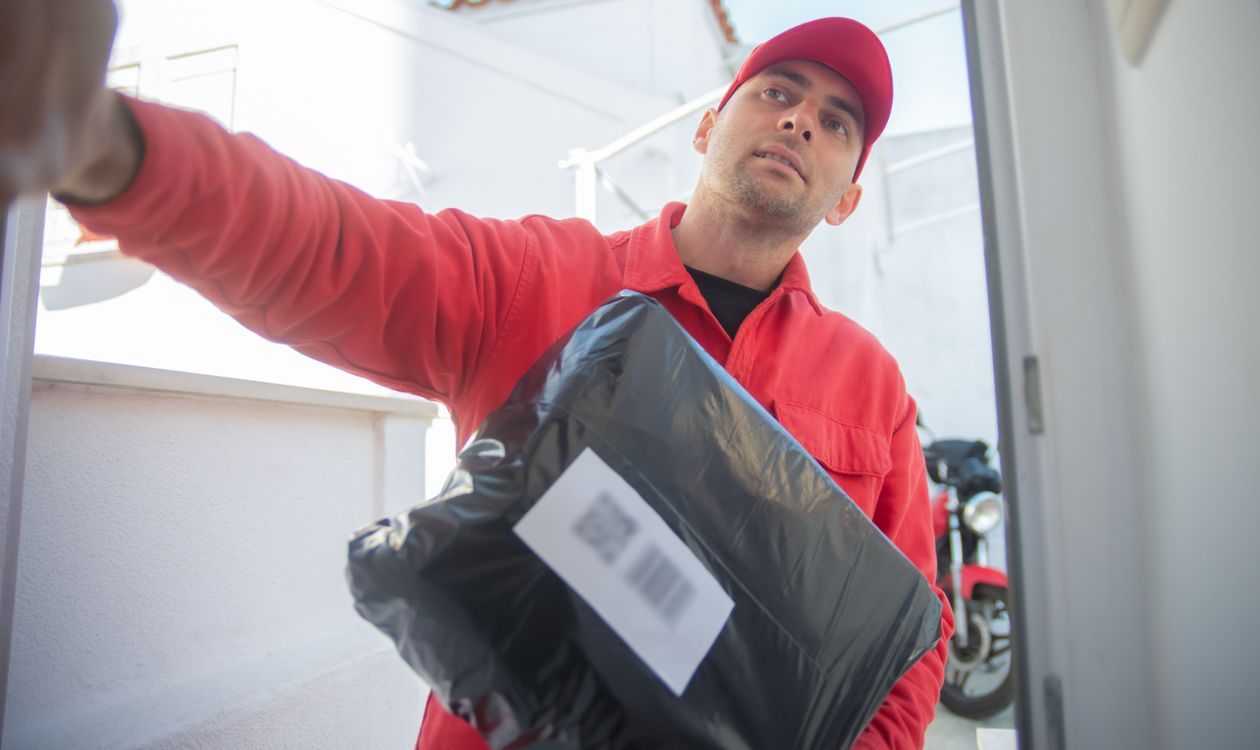
Where the SPX Tracking Number Appears
For Shopee orders, you rarely need to type the number anywhere. It is shown in the order's shipping details inside the app, and tapping Track Order opens the updates for that number. Shopee notes that if there is no tracking number on the order, you should contact the seller directly for delivery updates.
For parcels sent through SPX directly, the tracking number is on the airway bill, the shipping label attached to the parcel, and on the sender's receipt or booking record. SPX does not publish a single fixed format for its tracking numbers, so copy the number exactly as printed, including any letters.
Keep the order number and the tracking number separate in your mind. The order number identifies your purchase on Shopee. The tracking number identifies the parcel in the SPX network. Support will ask for the tracking number when the question is about delivery.
What the Tracking Updates Mean
The tracking timeline on the order page shows scans as the parcel moves. Shopee does not publish a fixed glossary of every wording the timeline can show, but the stages follow a simple path:
- Seller preparing and pickup: the order is packed, then collected by SPX or dropped off at a service point.
- In transit: the parcel is moving between sorting hubs. Our guide on what in transit means explains this stage in more detail.
- Arrived at the delivery hub: the parcel reached the station that serves your area and is waiting to go out with a rider.
- Out for delivery: the parcel is with the rider for delivery that day. See our guide on what out for delivery means for what to do while you wait.
- Delivered: the parcel was handed over and the delivery was recorded.
Hub names and times in the timeline are the actual scans, so check the latest one first. During big sale campaigns, scans at busy hubs can bunch together, and a quiet day usually means the parcel is waiting for the next leg rather than lost. Buyers comparing couriers on Shopee may also like our Shopee and Lazada tracking guide, which explains how marketplace tracking pages work in general.

How Long SPX Delivery Takes
For Shopee orders, Shopee's help center gives these delivery timeframes, counted in calendar days and not including public holidays and non-working days:
- Within Metro Manila: 4 to 6 calendar days
- Outside Metro Manila: 7 to 12 calendar days
- From overseas: 9 to 18 calendar days
Treat these as Shopee's planning guide for its orders, not a promise for a single parcel. The actual day depends on when the seller hands the parcel over, the route, and the volume in the network. Your order page also shows an estimated delivery date, which is the date to watch. Shopee says that if your order is past its estimated delivery date, you can request expedited delivery through the app.
What Happens If an SPX Delivery Fails
Shopee's SPX Express help page explains the process clearly. If SPX Express fails to deliver your order, a second delivery attempt will be made within 2 to 3 days. If both attempts fail, the parcel will be marked as Return to Sender, or RTS, and sent back to the seller.
Common reasons for a failed attempt include an incomplete or invalid address, the buyer being unavailable or uncontactable, the buyer rescheduling or rejecting the delivery, and uncontrollable events like natural disasters. Once an order is marked RTS, it is no longer eligible for redelivery. For non-COD orders, Shopee says a refund will be processed once the parcel is returned to the seller.
You can lower the chance of a failed attempt by keeping your phone reachable on the delivery day and making sure your address in the app is complete, with a landmark if your street is hard to find.
What to Do When SPX Tracking Is Not Updating
Start with the 24 to 48 hour rule from Shopee's help pages: updates can take that long to appear, especially right after pickup. Check again the next day before worrying.
If the status still does not move, work through these steps. Check that you are looking at the right order, since buyers with several orders sometimes open the wrong one. Read the last scan location: a parcel at a far hub is still traveling, while a parcel at your local hub for more than a day past its estimated date deserves a follow up. Then contact Shopee Customer Service through the app, which is the channel Shopee directs buyers to for delivery concerns on Shopee orders. For a parcel sent directly through SPX, use the contact options on spx.ph instead.

Frequently Asked Questions
Is SPX Express the same as Shopee Express?
Yes. SPX Express is the name of Shopee's logistics service in the Philippines, and it is also called Shopee Express. Its official website is spx.ph, and it delivers Shopee orders as well as parcels sent directly through its pickup and drop off services.
Where do I enter my SPX tracking number?
For a Shopee order, you do not need to type it: open the order in the Shopee app and tap Track Order. For a parcel sent directly through SPX, use the Track tool on the homepage of spx.ph and enter the number from the airway bill.
Why is my SPX tracking not updating?
Shopee says shipping updates may take 24 to 48 hours to reflect. A new parcel may also be waiting for its first scan after pickup. If nothing changes well past the estimated delivery date, contact Shopee Customer Service in the app.
How many delivery attempts does SPX make?
According to Shopee's SPX Express help page, a failed delivery gets a second attempt within 2 to 3 days. If the second attempt also fails, the parcel is marked Return to Sender and goes back to the seller.
Can I track an SPX parcel without the Shopee app?
Yes, if you have the tracking number. Enter it in the Track tool on spx.ph. For Shopee orders, though, the app remains the better route because the order page combines tracking with refund and support options.
What should I do if my SPX parcel is past its delivery date?
Shopee says buyers can request expedited delivery when an order is past its estimated delivery date. If the parcel still does not arrive, message Shopee Customer Service through the app with your order and tracking details.
A Quick Recap
SPX tracking lives in two places: the Shopee app for Shopee orders, and the Track tool on spx.ph for parcels sent through SPX directly. Give updates 24 to 48 hours to appear, watch the estimated delivery date on your order, and remember that a failed delivery gets one more attempt within 2 to 3 days before the parcel returns to the seller.